
Bastion - Secure Vaults
The ultimate security for your mobile data.
Bastion is a privacy-first, security-focused Android application that provides strong encrypted file storage with plausible deniability features. Hide your sensitive files, documents, and photos with confidence.
Available Now
Bastion is fully released. Download it now on the Google Play Store.

Interface Preview
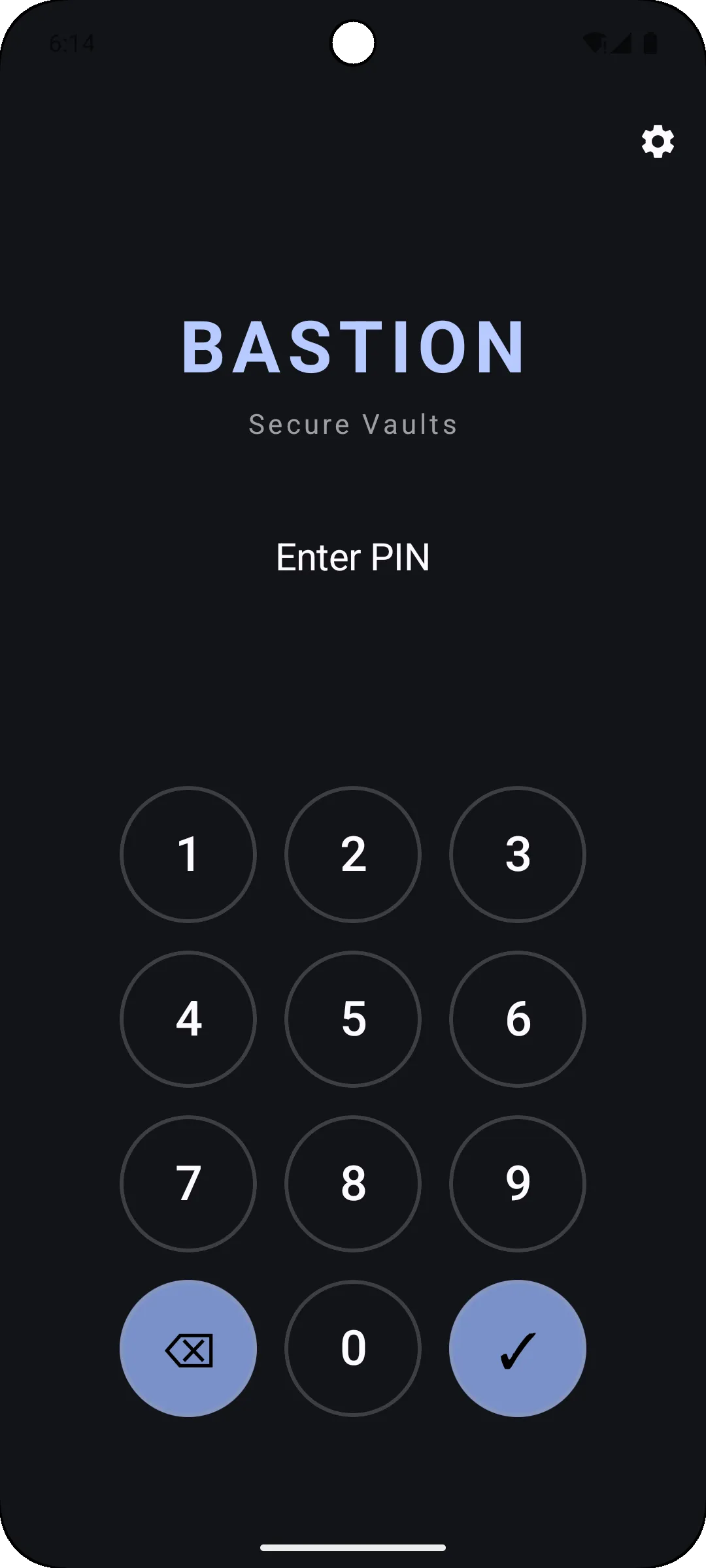
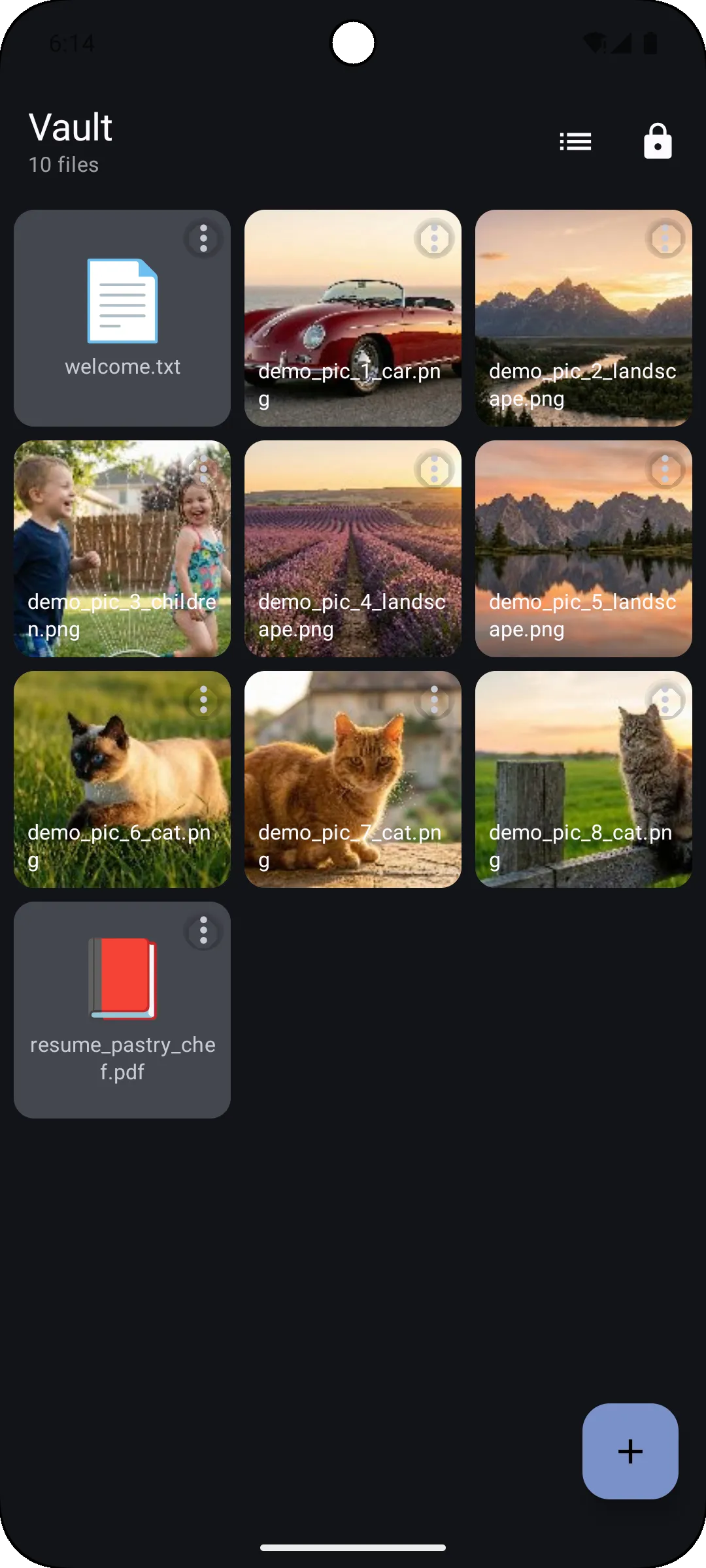
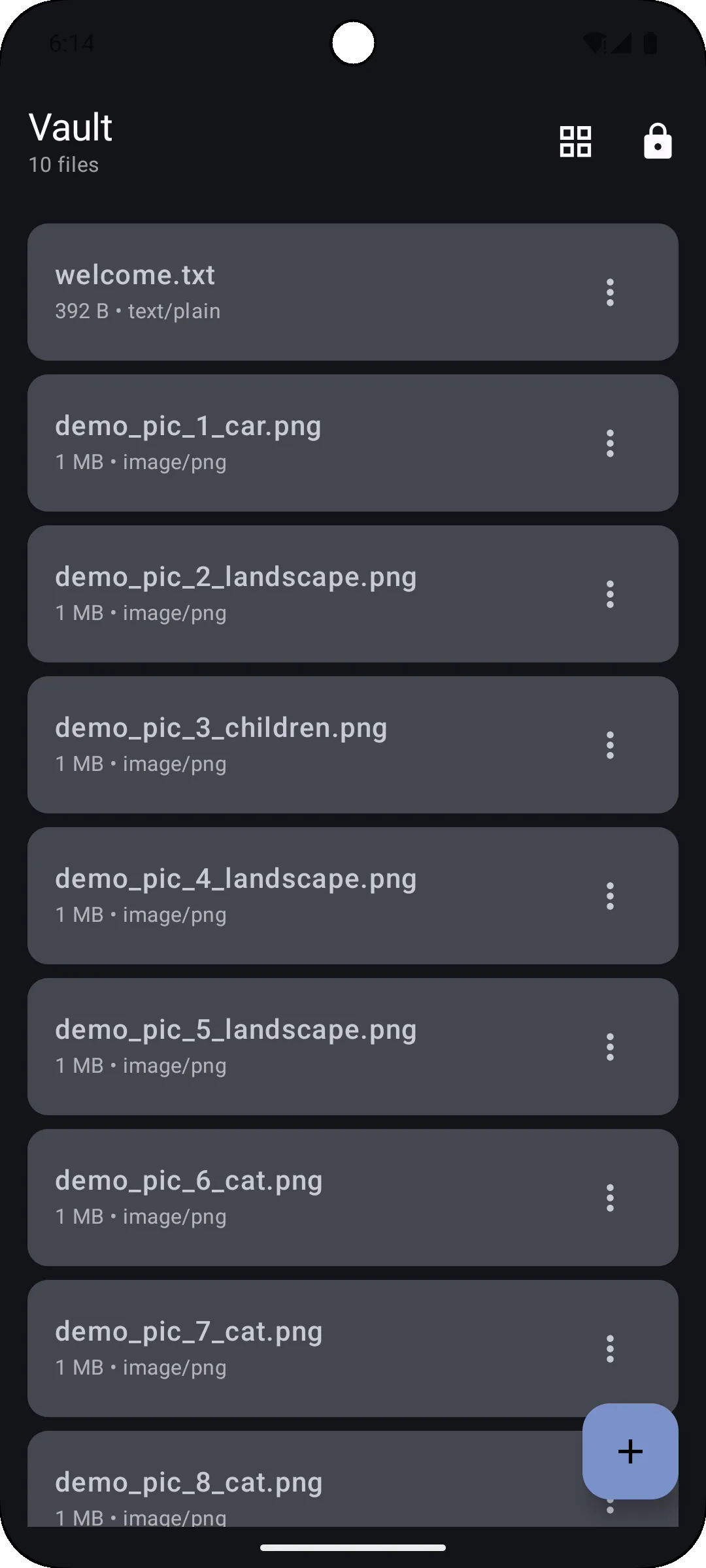
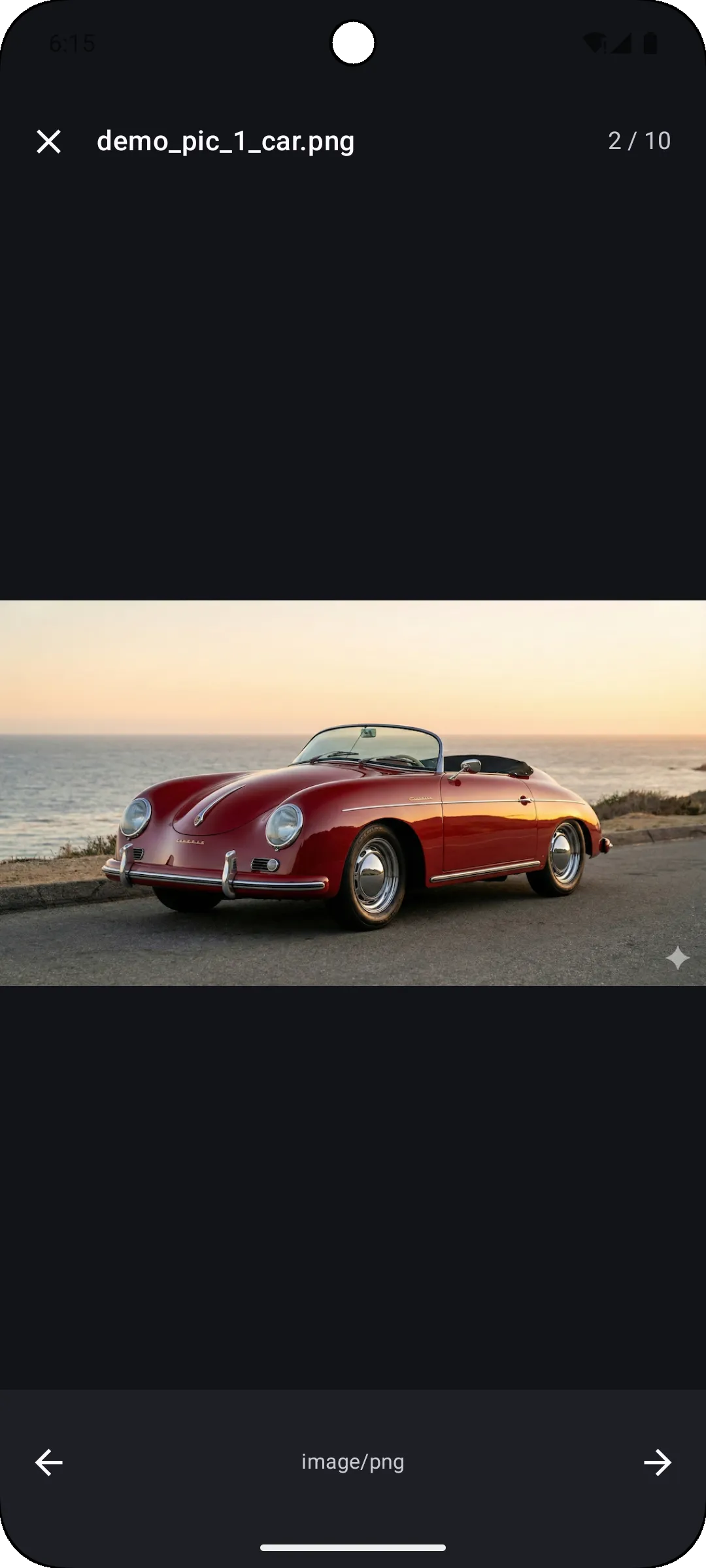
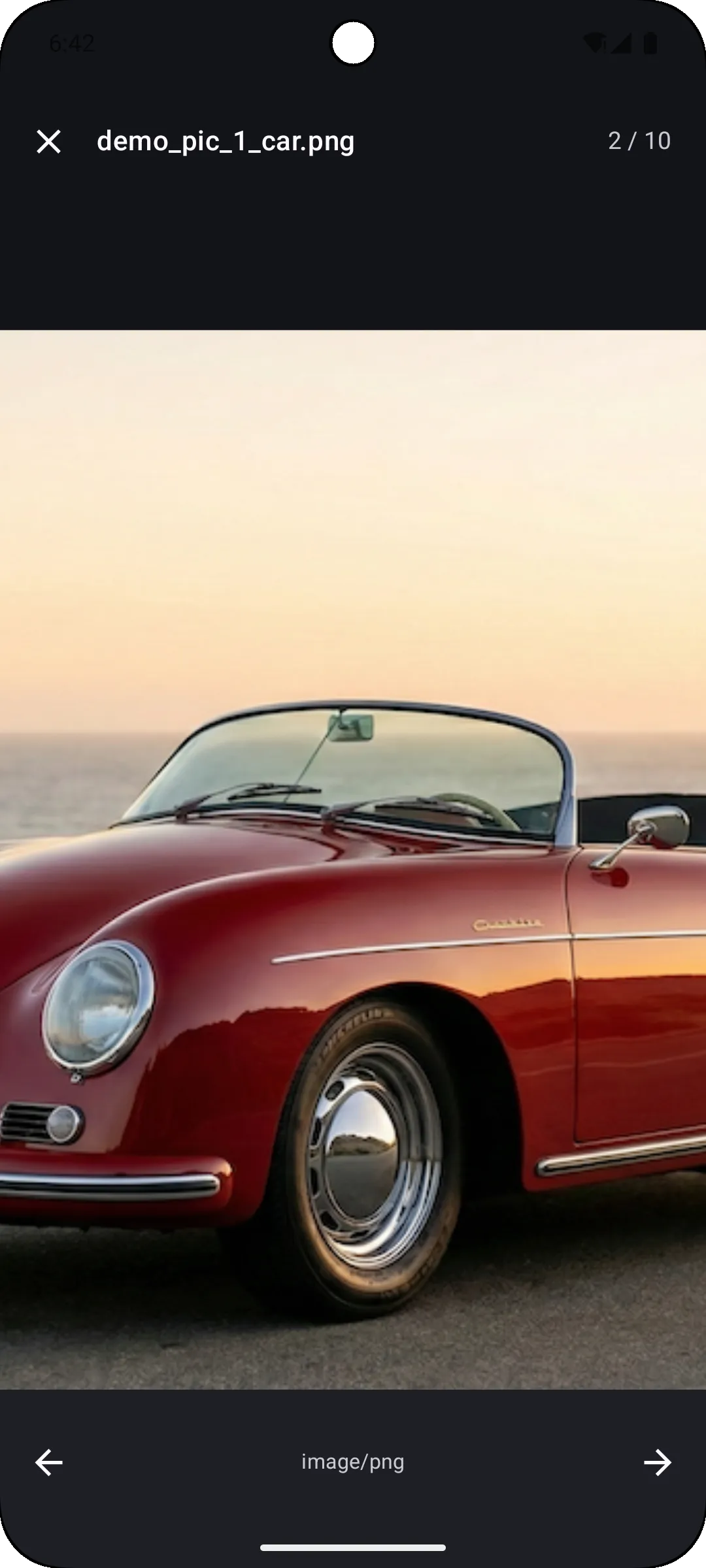
Plausible Deniability
Unlike traditional encrypted storage apps, Bastion allows you to hide your most sensitive files behind decoy vaults. Create innocent-looking vaults with benign content and keep your ultra-sensitive vaults hidden with different PINs. No metadata reveals the existence of multiple vaults.
Why Choose Bastion - Secure Vaults ?
Multiple Vault System
Create unlimited vaults, each with a unique PIN code. Each vault is completely independent and encrypted separately.
Panic Mode
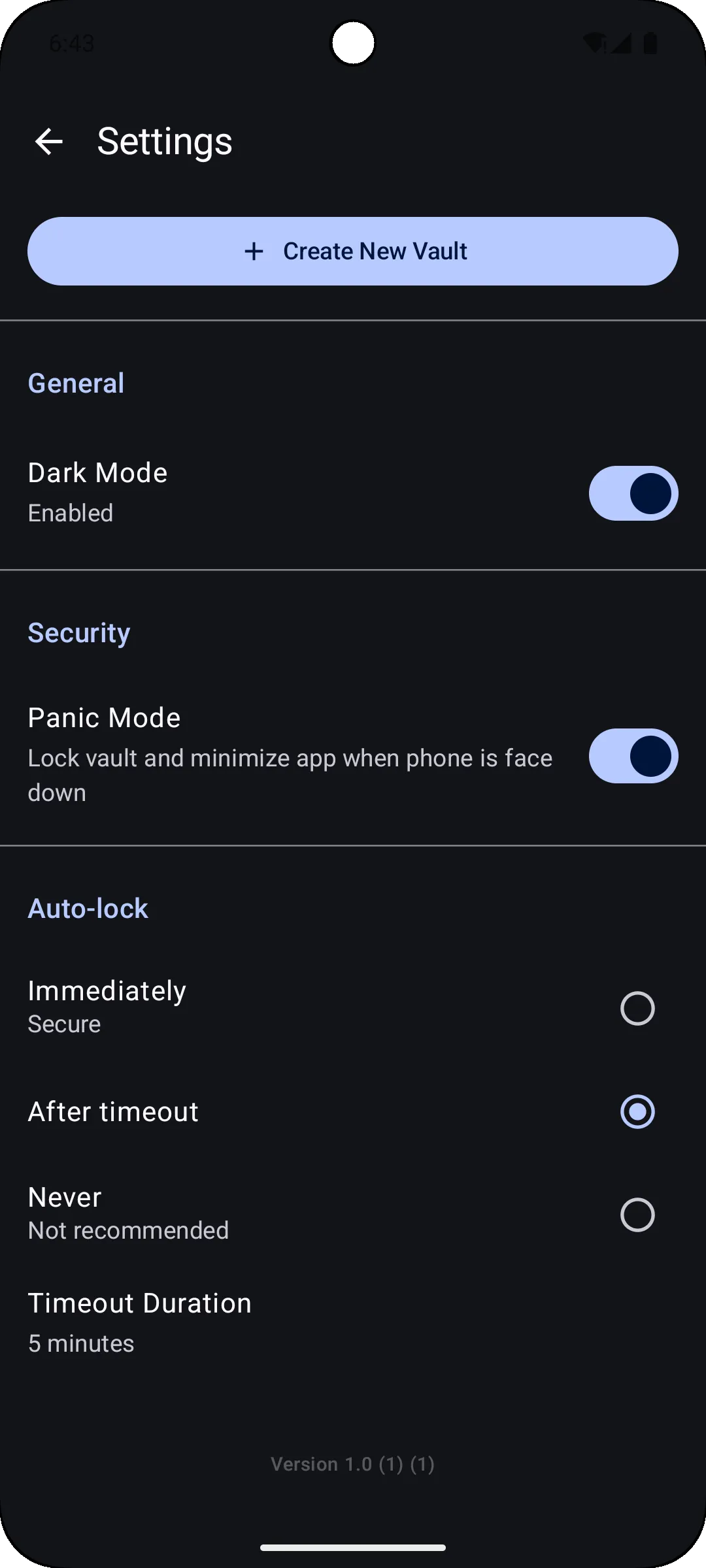
Flip your phone face-down to instantly lock all vaults. Includes auto-lock timeout and quick notification control.
Offline & Secure
No cloud sync - your files never leave your device. Protected by AES-256-GCM encryption.
Share to Bastion
Seamlessly import files from any app directly into Bastion. Files are encrypted immediately upon import.
Bastion FAQ
General
What is Bastion?
Bastion is a privacy-first, security-focused Android application that provides strong encrypted file storage. It is designed for users who need absolute privacy and security for their sensitive files, documents, photos, and videos.
Is Bastion really offline?
Yes. Bastion does not require internet permission and works 100% offline. Your data never leaves your device, and there is no cloud synchronization or telemetry.
Vaults
How many vaults can I create?
You can create an unlimited number of vaults. Each vault is completely independent and secured with its own unique PIN code.
How does the “Plausible Deniability” work?
Bastion allows you to create multiple vaults with different PINs. This allows for multi-layered plausible deniability, meaning you are not limited to just a “real” and a “decoy” vault.
- You can have a decoy vault with innocent content that you can open if coerced.
- You can have intermediate vaults for private but less sensitive data.
- Your primary secure vault remains hidden and accessible only via its specific PIN.
Since you can create an unlimited number of vaults, you can structure your privacy layers exactly as you need. There is no way for anyone to prove how many vaults exist on your device.
Can I recover my PIN if I forget it?
No. To ensure maximum security, Bastion does not store your PINs and has no “forgot password” mechanism. If you lose your PIN, the data in that vault is permanently inaccessible. We recommend backing up your PINs in a secure location (like a physical safe or a password manager).
Files & Storage
What file formats are supported?
Bastion can store and encrypt any file type.
However, the built-in secure viewer currently supports:
- Images: JPG, PNG, GIF
- Documents: PDF, Plain Text (.txt)
For other file types, you can export them securely to view them in other applications when needed.
Is there a limit to file size or storage?
Bastion does not impose any artificial limits on file size or total storage. You are only limited by the available free space on your Android device.
Does Bastion change my files?
No. Bastion encrypts your files exactly as they are. When you decrypt/export them, they are bit-for-bit identical to the originals.
Backup & Data Transfer
What happens if I uninstall Bastion?
Warning: All your data will be permanently deleted. Since Bastion stores all encrypted data locally on your device’s internal storage (to ensure security and offline capability), uninstalling the app wipes this data. It cannot be recovered afterwards.
Can I back up my vaults?
A secure Backup & Restore feature is currently planned for a future update. This will allow you to create encrypted backups of your vaults.
Can I move my vault to another phone?
We are working on a Vault Export/Import feature that will allow you to securely transfer a complete vault from one device to another. This feature is coming soon.
Security
What encryption does Bastion use?
Bastion uses AES-256-GCM (Advanced Encryption Standard with Galois/Counter Mode), which is an authenticated encryption standard used by governments and militaries worldwide.
- Key Derivation: Keys are derived from your PIN using PBKDF2 with a unique salt for each vault.
- Metadata: Even filenames and file sizes are encrypted.
Where are my keys stored?
Your encryption keys are not stored on disk. They are derived from your PIN each time you unlock a vault. When available, Bastion utilizes the Android Keystore system for hardware-backed security operations.
Transparency Note
We have to be honest, the app is 99.9% sure, not 100% :
- While we use industry-standard encryption, someone with physical access to your device, sufficient time, and resources could potentially decrypt some or all of your files.
- This application has not been audited by security experts (we don't plan to do so).
For these reasons, we recommend not using this app for extremely sensitive or high-risk documents.